

Guides
The GTA 6 phone: every app, what it does and when you get it
Unofficial fan guide · · No spoilers past Chapter 3
The phone does more work in GTA 6 than in any earlier GTA. It's your bank, your taxi, your car delivery service and the scanner that tells you whether a car is worth stealing. Most of the useful apps arrive through the story, so if something's missing, it usually just means you haven't reached that mission yet.
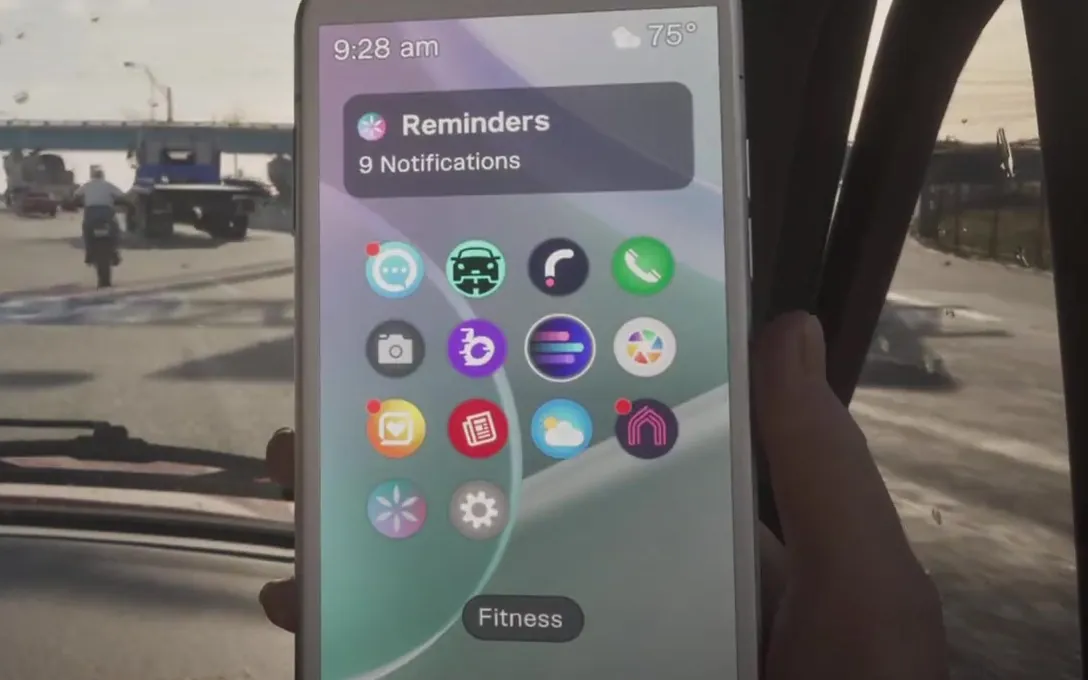
Our home screen in the picture above shows 14 icons and a Reminders widget, which lines up with the 14 apps published lists count. Here's each one that matters, in the order you'll use them.
Open phone
D-pad Up
WAiNK shortcut
Hold D-pad Up
Close
Circle / B
BuckMe and RydeMe
Buck Me, Chapter 1
Scooter Bros
Moses, Chapter 2
Skip a RydeMe trip
$100 extra
Opening and using the phone
Press Up on the D-pad to bring the phone up, on foot or in a car. Move to an app and press X or A to open it, and press Circle or B to put the phone away. Hold Up instead of tapping it and you go straight to the WAiNK scanner, which is the shortcut you'll use most when you're looking for a car to take.
The world keeps going while the phone is out. Don't check messages in the middle of a firefight or at 90 on the highway.
The Weather app shows the conditions where you are and a short forecast. Weather in Leonida changes as you play and is local, so it can pour in one area while the next stays dry, and storms leave puddles behind.
All the apps
These are the apps published lists agree on and what each is for. The unlock points come from Polygon's list, and each story unlock is backed by a second guide.
| App | What it does | When you get it |
|---|---|---|
| WhatUp | Messages: mission leads, tips, check-ins | From the start |
| Contacts | Calls. Most random calls go to voicemail | From the start |
| Camera and Gallery | Selfies, and photos people send you | From the start |
| Fitness | Strength, cardio and Focus levels | From the start |
| Snapmatic | Social feed from people you know | From the start |
| News and Weather | Local stories and the forecast | From the start |
| WAiNK | Scans cars and style magazines | Early Chapter 1 |
| BuckMe | Bank account and Family Savings | Buck Me, Chapter 1 |
| RydeMe | Taxi and fast travel | Buck Me, Chapter 1 |
| Scooter Bros | Delivers your registered car | Moses, Chapter 2 |
| Vice City Real Estate | Buys garages | Moses's '82 Crawler job, Chapter 2 |
| Settings | Wallpaper and ringtone | From the start |
WhatUp and calling your partner
WhatUp is where the game talks to you. Characters text missions, tips and side activity leads, and Jason and Lucia text each other. Answer your partner reasonably quickly, because ignored messages count against the relationship. To get your partner to come to you, call them from Contacts or use the meet-up option in the partner menu (hold Right on the D-pad). They'll head to you, or to your waypoint if one is set.
BuckMe: your bank account
The Chapter 1 mission Buck Me opens the account. Deposit cash at any ATM: open BuckMe, pick ATM Finder and it sets a route to the nearest one, then press Triangle or Y at the machine to deposit or withdraw, up to $20,000 at a time. Bank what you carry often, because cash on you is lost when you're Wasted or Busted. Payments come out of the checking account. Family Savings is separate, is tied to the story and can't be withdrawn.
The checking account starts with a $15,000 limit. Coffee Break in Chapter 2 raises it to $100,000 and Credit Check in Chapter 3 to $500,000. Money that arrives while you're at the cap waits until the limit goes up.
RydeMe: fast travel
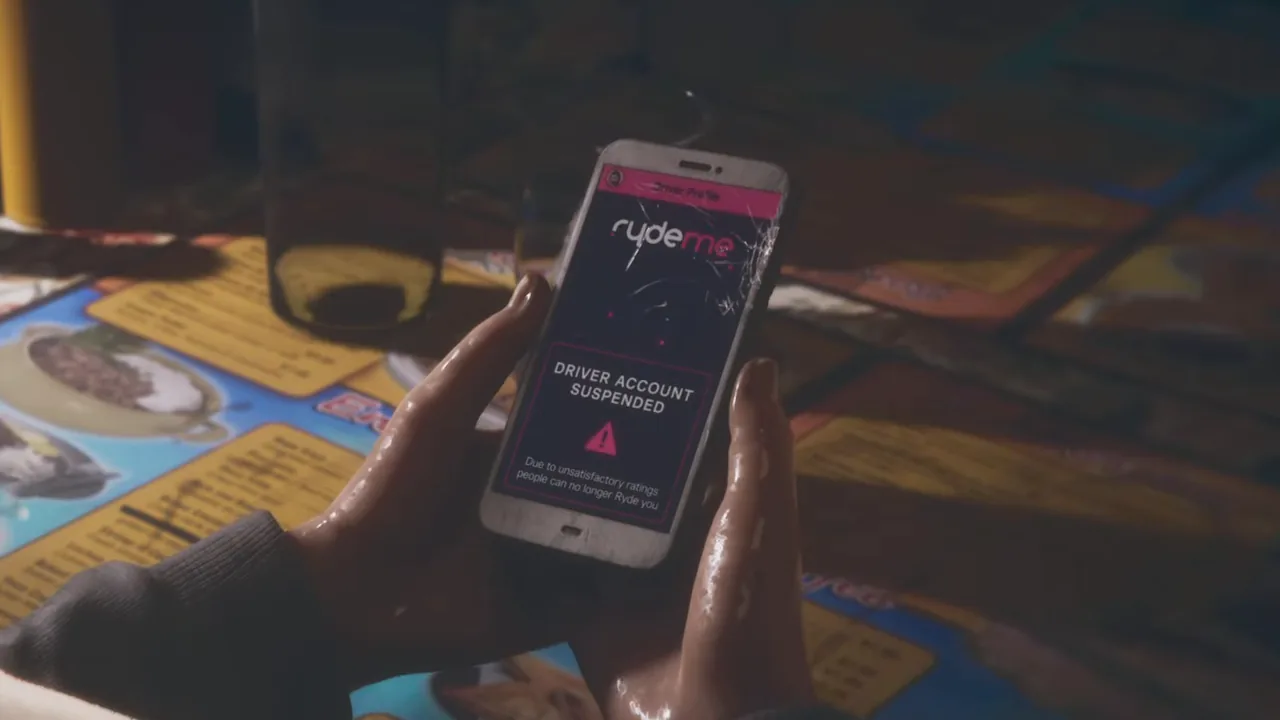
RydeMe is GTA 6's fast travel, and it arrives with BuckMe in the same mission. Open it, pick your safehouse, your map marker or another destination, and get in the car that comes for you. You can sit through the ride, or hold L2 or LT and press Triangle or Y to skip it for $100 on top of the fare.
Scooter Bros: calling your car
In Chapter 1 the way to get Jason's truck brought over is to call Joey from Contacts. From Chapter 2, after the Moses mission, you get the Scooter Bros app. Open it, pick a registered car and choose Request, and it's delivered to you. The price goes up with distance and damage, and the app can repair the car and bring back one that's been destroyed.
Scooter Bros Premium costs $12,500 once and gives three service credits a day, which also cover getting a car out of the impound. If you lose cars to the police often, it pays for itself.
WAiNK: scanning cars
Point the WAiNK camera at a car and press R1 or RB to scan it. The scan shows the make and model, whether it's locked, alarmed or keyless, the tracker (none, standard or advanced), roughly what it would sell for and what registering it would cost. It's the quickest way to decide whether a car is worth the trouble. Moses won't take anything with a tracker, and mod shops won't touch a tracked car until it's registered.
WAiNK also scans style magazines. Those covers unlock new hairstyles and, for Lucia, makeup at salons, which our clothes and style guide covers.