
Guides
Controls and settings: the buttons and menus worth knowing
Unofficial fan guide · · No spoilers past Chapter 3
GTA 6 moves a few buttons that GTA 5 players have in muscle memory. Running is a click of the left stick now, the bottom face button jumps, and a lot of the car's functions sit behind a held D-pad press. None of it is hard, but the game barely explains some of it, auto-drive in particular.
Every button below is the Default scheme, written PS5 first and Xbox second. The settings section covers the handful of menu options worth changing before you get far.
Run
L3 / left stick click (Default)
Jump or climb
Cross / A
Crouch
Circle / B
Turn signals
Tap D-pad Left or Right
Radio
Hold D-pad Left
Skip a cutscene
Hold Cross / A
On foot: Default or Classic
On Default, click L3 to run and click it again to sprint. Cross or A jumps and climbs any wall or ledge you walk up to. Circle or B crouches, and holding it makes you rest. Square or X is melee and Triangle or Y is the main interact button. Tap D-pad Up for the phone and hold it for the WAiNK camera.
If clicking a stick to run wears your thumb out, switch to Classic under Settings > Control Scheme. Only four on-foot actions move: run goes to Cross or A, jump and climb to Square or X, melee to Circle or B, and crouch to L3. Driving stays the same. There's also a Left-Handed preset that swaps the sticks and triggers.
| Action | Default | Classic |
|---|---|---|
| Run | L3 / LS click | Cross / A |
| Jump or climb | Cross / A | Square / X |
| Melee | Square / X | Circle / B |
| Crouch | Circle / B | L3 / LS click |
There's no first-person mode
You can't play GTA 6 in first person, and the November 23 patch didn't add it. What you get is a look-around view: stand still, hold L2 or LT and press R3. The camera drops to eye level, the right stick looks around and R2 zooms, but the moment you move it snaps back. Don't press L3 and R3 without holding L2, because that turns on Focus instead.
On a gun with an optic, aiming and then pressing R3 looks down the sight, which is the closest thing to first-person shooting.
Driving: signals, lights, horn and handbrake
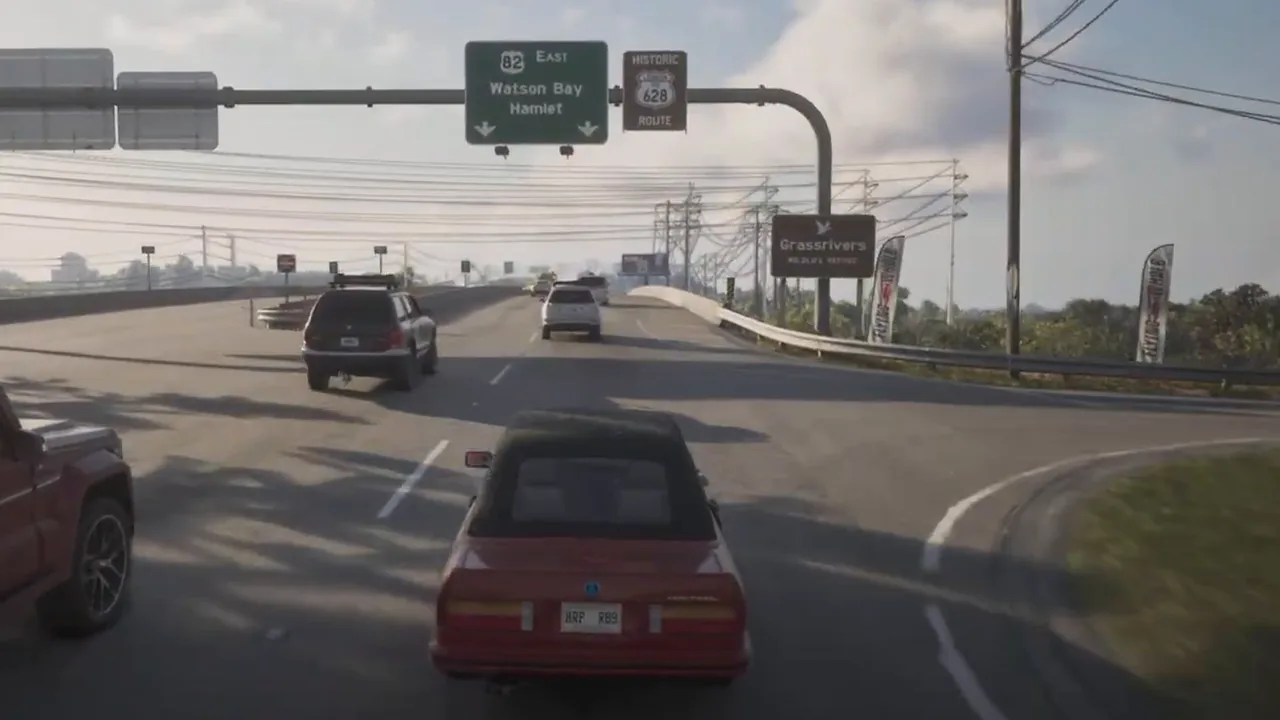
R2 or RT accelerates, L2 or LT brakes and reverses, and Cross or A is the handbrake. Click L3 for the horn. In a car with nitrous, the same click fires the boost while you're on the gas.
Tap D-pad Left or Right for the turn signals. Tap, don't hold: holding Left opens the radio and vehicle menu instead. Tap Circle or B for the headlights, while holding it ducks you down in the seat.
The vehicle menu has the rest. Hold D-pad Left, push the right stick up to switch from radio to vehicle, then move with L1 and R1 to find headlight modes (Automatic, Low Beam, High Beam, Off), hazards, the engine and the windows. Press Cross or A to pick one.
Auto-drive and the cinematic camera
Auto-drive is in the game from the start, and nothing tells you. It isn't fast travel: your character obeys the road rules and sits in traffic, so a trip takes as long as driving it yourself. It's for taking in the scenery or lining up a photo.
By default it only works in safe situations on public roads. Set Auto Drive to Unrestricted in the Gameplay settings if you want it everywhere.
- Set a waypoint on the map, get in a car or boat and pull onto the road in the right lane.
- Hold D-pad Down to bring up the camera options, and press Options or Menu while holding it to switch to the Cinematic camera.
- Hold Circle or B when Enable Auto Drive shows in the corner. L2 and R2 pick one of three speeds.
- Hold D-pad Down again to take the wheel back.
Minimap, map and skipping time
Tap D-pad Down to cycle the objective and what the minimap shows. Hold it for Quick Navigation, the fastest way to route to a nearby shop or stop. The Touchpad or View button opens the full map, where Cross or A drops a waypoint.
Hold Cross or A to skip a cutscene; a single tap does nothing. To skip time, use Rest at the bed in a safehouse, choose Sleep and pick when to wake: 7:00 AM, 12:30 PM, 6:00 PM or 12:01 AM.
Swimming and diving
Steer with the left stick and click L3 to swim faster. Hold R1 or RB to dive and press Cross or A to come back up. Without scuba gear you can't stay down long, so for wrecks get the gear from Kenton's boat in Key Lento after Island Dreams.
Radio stations, headphones and the DJs
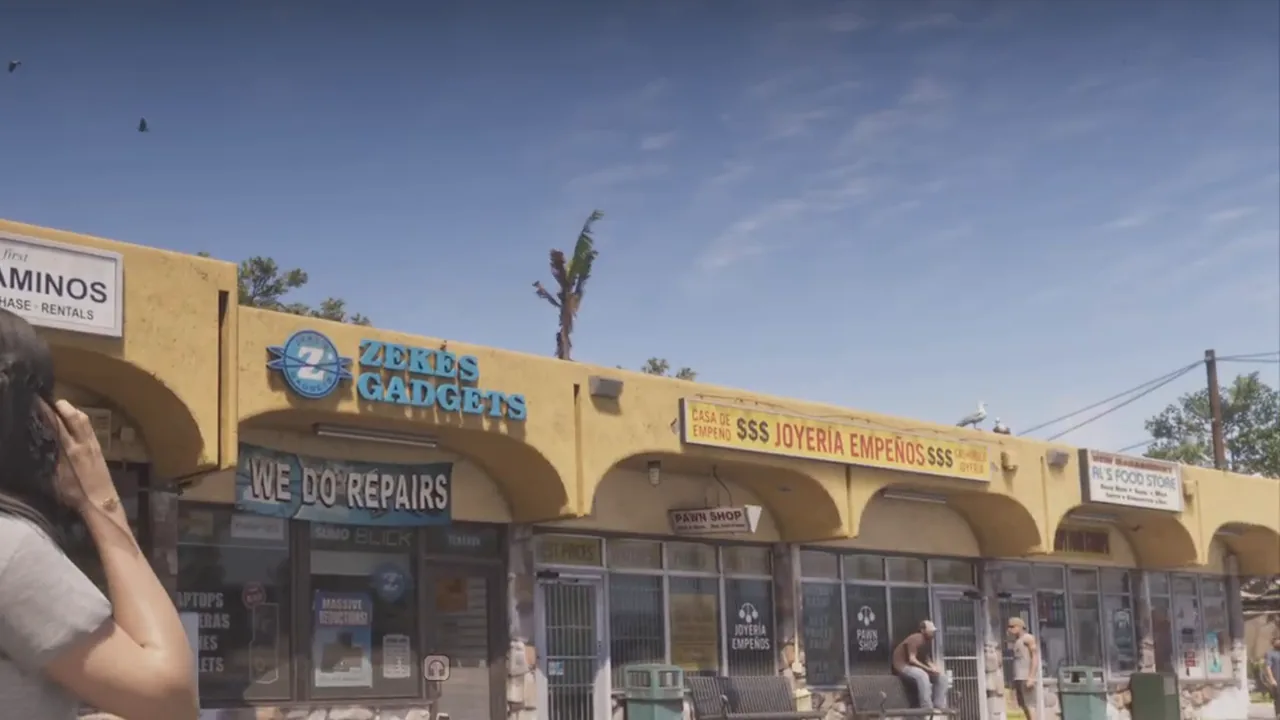
In a vehicle, hold D-pad Left to open the radio, then pick a station with the right stick or L1 and R1. Cross or A turns it on and off, and a double tap of Left also switches it off. On foot you need headphones. The first shop you're likely to find is Zeke's Gadgets in Hamlet, where they cost $119. Equip them from the items tab, then use the same held Left menu.
Rockstar kept the hosts secret until launch. The credits name them all, and the voices behind them are listed below. There are two talk stations too: WKTT with Jason Sudeikis and Stavros Halkias, and The Wipe with Anitta. A hidden station hosted by Kodak Black is unlocked through an in-game puzzle.
| Station | Hosts | Music |
|---|---|---|
| AfroBank FM | Burna Boy, Palms Trax | African |
| Back Country Radio | Morgan Wallen, Lana Del Rey | Country |
| The Chamber 106.6 | Kerry King, Tom Araya, Brian Posehn | Metal |
| CircoLoco Records Radio | Seth Troxler, Antonio Carbonaro | Electronic |
| Cocoteo FM | Bad Bunny, RaiNao | Modern Latin |
| Dirty South Classics | Trick Daddy, Trina | Southern rap |
| Emotion 98.3 | Doug Stanhope | Soft rock |
| Flash FM | Robyn, Alex Consani | Pop |
| Gloriana Blues Radio | Buddy Guy, Keith Richards | Blues |
| Honey FM | Chilli and T-Boz of TLC | '90s R&B |
| Kaleidoscope FM | Jeremy Irons | Pop covers |
| Leonida Jazz Radio | Randy Brecker, Stanley Clarke | Jazz |
| Radio La Ola | Gloria and Emilio Estefan | Classic Latin |
| Radio On-U | Adrian Sherwood | Reggae and dub |
| Stockyard FM | PinkPantheress, The Dare | Electronic and indie |
| Symphony FM | Yuja Wang | Classical |
| V-Rock | Lindsey Buckingham, Michael McDonald | Classic rock |
| Vice City FM | "Weird Al" Yankovic, Brigitte Nielsen | '80s |
| Vice City Rap Radio | JT, DJ Stevie J | Hip-hop |
| Worldwide FM | Gilles Peterson | Jazz, funk and soul |
Settings to change first
Aim assist lives in Settings > Gameplay under Combat. Targeting starts on Partial, which pulls your aim toward a nearby target without locking on, with Aim Assist Strength at 4. Lock-On snaps to targets and suits a controller beginner. The third option never locks on. Shooting Assist and Drive-By Assist are separate switches.
Subtitles default to Mission Only, so open-world chatter isn't captioned. Set them to On under Settings > UI, where you'll also find the size, speaker names and a background. If the camera makes you queasy, turn Camera Shake off under Camera, lower Camera Bob, and take Motion Blur Strength in the Display tab from 3 down to 0. The Gameplay tab's Accessibility group adds Tap Assist and Hold Assist for button mashing and long holds, plus Simplified Mini Games.
Photo mode
Pause and pick Photo Studio for the full tool, where you can move the camera around your character. For a quick shot, open the Camera app on the phone. Pictures end up in the phone's Gallery.